IN PRO AND ABOVE

Inspiration Hotspots

Tap the item in the photo, reach the product

Place product points on a room or outfit photo. Visitors tap a point, see the product and go to its page. You choose the products from your store catalogue.

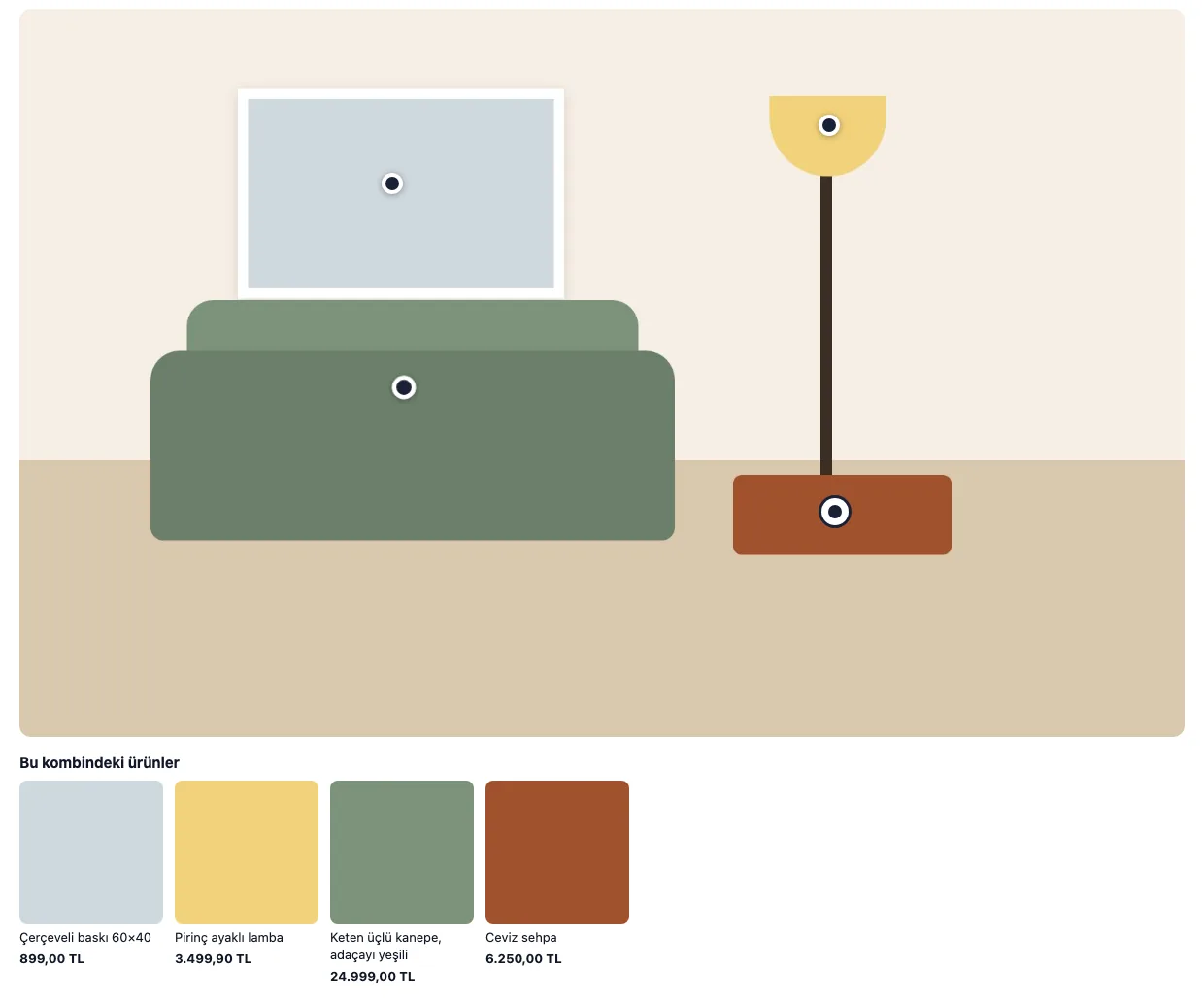
A living room image on the storefront with points on it and a product strip below
A look on the storefront: points and a "Products in this look" strip. Drawn scene, sample store (sample). Turkish interface.

A short path from photo to cart

touch_app

Product points on the photo

Tap where the product sits in the picture and the point lands there. Show up to eight products in each look.

inventory_2

Products from your catalogue

You pick each point's product from your store catalogue. Title, price and link come from the catalogue; a point whose product cannot be shown is hidden on the storefront.

view_carousel

A product strip below

A "Products in this look" strip appears under the look, so visitors reach products without tapping a point. You can turn the strip off.

collections

More than one look

Add up to six looks; a living room, a bedroom or a winter outfit can live in one place.

place

Where you want it on the page

Place the look before, after or inside an element on the page. Set the point colour and corner radius to match your brand.

Place the points

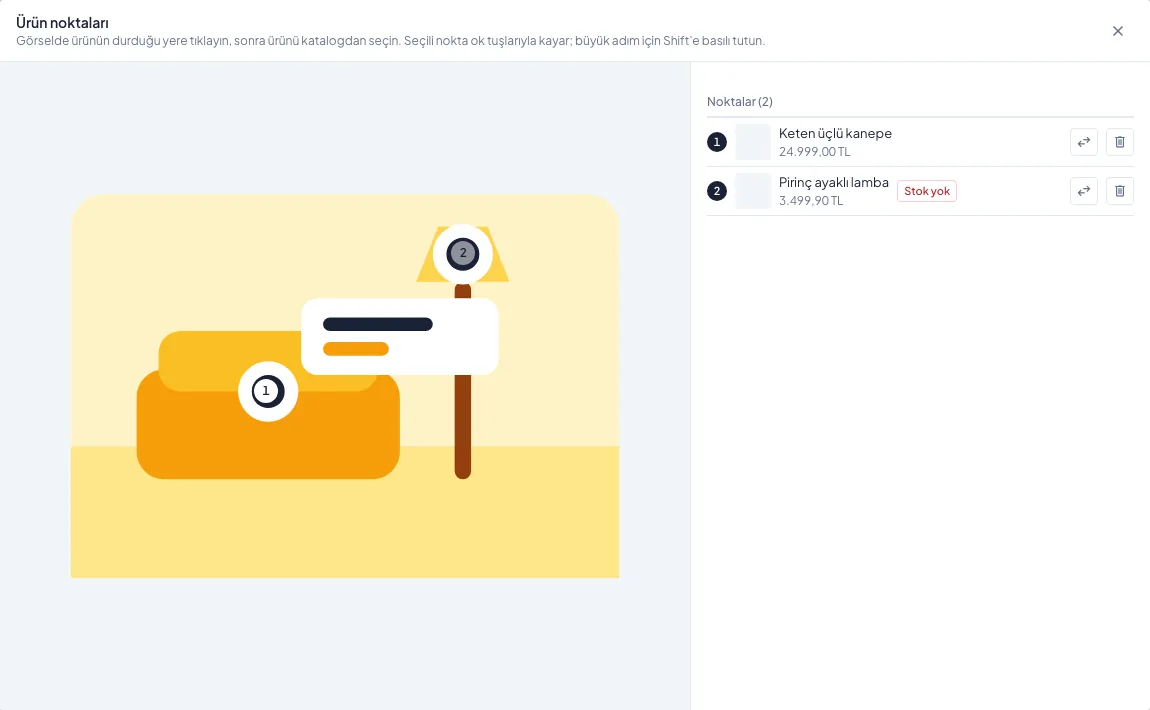
Product points dialog: numbered points on the image and products picked from the catalogue
Placing points on the image and picking products from the catalogue, in the panel. Drawn image, sample products (sample). Turkish interface.

Live in three steps

1

Add the image

Upload the room or outfit photo.

2

Place the points

Tap where the product sits and pick it from the catalogue.

3

Put it on the page

Choose where the look appears on the page and publish.

Which plan

Inspiration Hotspots is in Pro and above; it is not in Basic. It counts toward your limit of tools active at once.

Basic Pro Advanced Enterprise
Inspiration Hotspots — ✓ ✓ ✓
Looks (at most) — 6 6 6
Points per look (at most) — 8 8 8

Common questions

Where do the products come from?expand_more

From your store's product catalogue. You pick the product from the catalogue when adding a point.

What if a product is out of stock?expand_more

A point whose product cannot be shown is hidden on the storefront, so visitors do not land on an empty product.

How many looks and points can I add?expand_more

Up to six looks, with up to eight points in each.

Which plan has it?expand_more

Pro, Advanced and Enterprise. It is not in Basic.

In Pro and above

Open your account and place product points on your first image.